Rummy Safety: Recover an Account Without Sharing Codes

Account recovery should be boring and verifiable. If you lose access to a rummy account, use the platform’s official sign-in or support flow. A person who asks you to forward a password, one-time code, or screen-sharing invitation is not made trustworthy by using familiar branding.
If support uses a different process, verify it through the platform’s published contact details before continuing. Never improvise a recovery route because someone claims urgency or special access. Patience is part of account protection. Secure steps are better than hurried steps.
Start from the known app or type the official address yourself. Do not follow a recovery link sent in an unsolicited message. Check the address carefully and avoid downloading a new “security tool” offered by a stranger. If the platform provides a help center, navigate there through the logged-out sign-in page.
Use the recovery method that does not expose secrets. A legitimate form may ask for an email address or account identifier, but it should not ask you to publish a password in chat. One-time codes are for the account owner to enter into the official page. Never read a code aloud to someone claiming to be support.
After access returns, change the password from the official settings page and sign out other sessions if that option exists. Review recovery email, phone number, linked devices, and recent activity. Remove anything unfamiliar and contact support through the documented channel. Keep a record of ticket numbers without storing sensitive content in public notes.
If money or identity documents may be affected, stop game activity and contact the relevant payment provider or platform support. Do not pay a “recovery agent” in advance. Account safety depends on controlling the recovery path, not on responding quickly to pressure.
Turn on available security features only through the official settings page. A reputable platform may offer a stronger sign-in method, device alerts, or a history of active sessions; learn what each feature does before enabling it. If your email account is the recovery channel, secure that account as well and use a unique password. On a shared device, do not save login details in the browser. If you suspect that a code was exposed, change the password immediately and ask official support whether sessions can be revoked. Keep communications factual and avoid posting screenshots that contain addresses, phone numbers, or ticket details. Recovery is safer when every step is independently verifiable.
Related Post
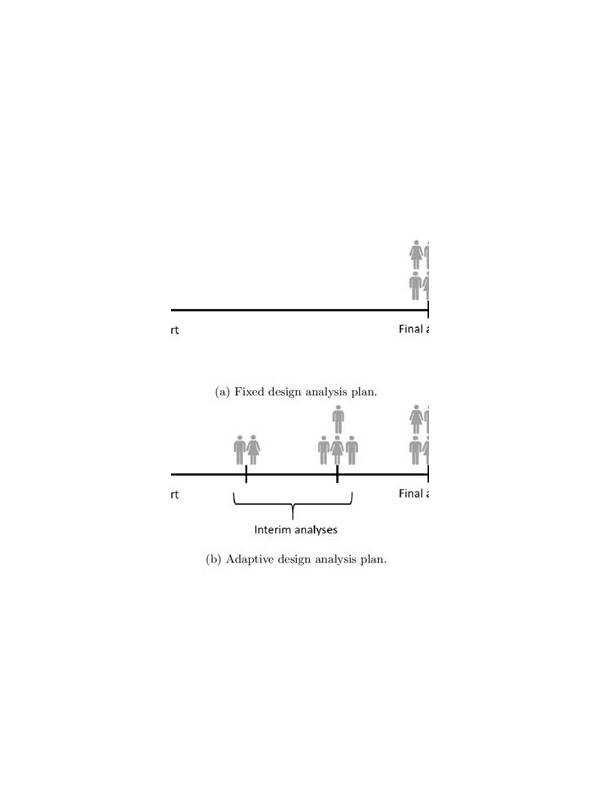
Rummy Comparison: Fixed Plans Versus Adaptive Plans
See when a firm hand plan helps and when changing direction is the more disciplined [...]
Rummy How-To: Set Up a Distraction-Free Practice Round
A short preparation routine makes rummy practice more focused and easier to evaluate. [...]